3 ServiceNow Notification Mistakes That Cause SLA Breaches (And How to Fix Them)
Every IT leader knows the sinking feeling: a high-priority incident missed its SLA, and now you’re explaining to stakeholders why a critical system was down for two hours. The root cause? Nine times out of ten, it wasn’t the technology—it was the notification strategy.
ServiceNow’s native notification engine is powerful, but misconfigured alerts silently drain your SLA performance. Here are the three costliest mistakes we see in enterprise IT environments—and the practical fixes that can cut your SLA breach rate by up to 60%.
Mistake #1: Over-Reliance on Email for Critical Alerts
The Problem: Email is the default notification method in most ServiceNow instances, but it’s a disaster for urgent incidents. The average office worker receives 121 emails per day, and critical alerts get buried in newsletters, CC threads, and automated reports. Studies show that even for “urgent” emails, the median first response time is 47 minutes—well beyond most P1 SLA windows.
The SLA Impact: A critical server outage alert sent at 2:03 AM sits unseen in an on-call engineer’s inbox while your e-commerce platform loses $10,000+ per hour. By the time they see it, you’re already in breach territory.
The Fix: Implement a severity-based multi-channel strategy:
-
P1/P2 incidents → Instant push to Slack/Teams + SMS backup
-
P3/P4 → Email is fine
-
Use ServiceNow Messenger to route critical alerts directly to chat platforms where engineers already collaborate, with persistent notifications until acknowledged.
Mistake #2: Alert Fatigue from “Broadcast Everything” Syndrome
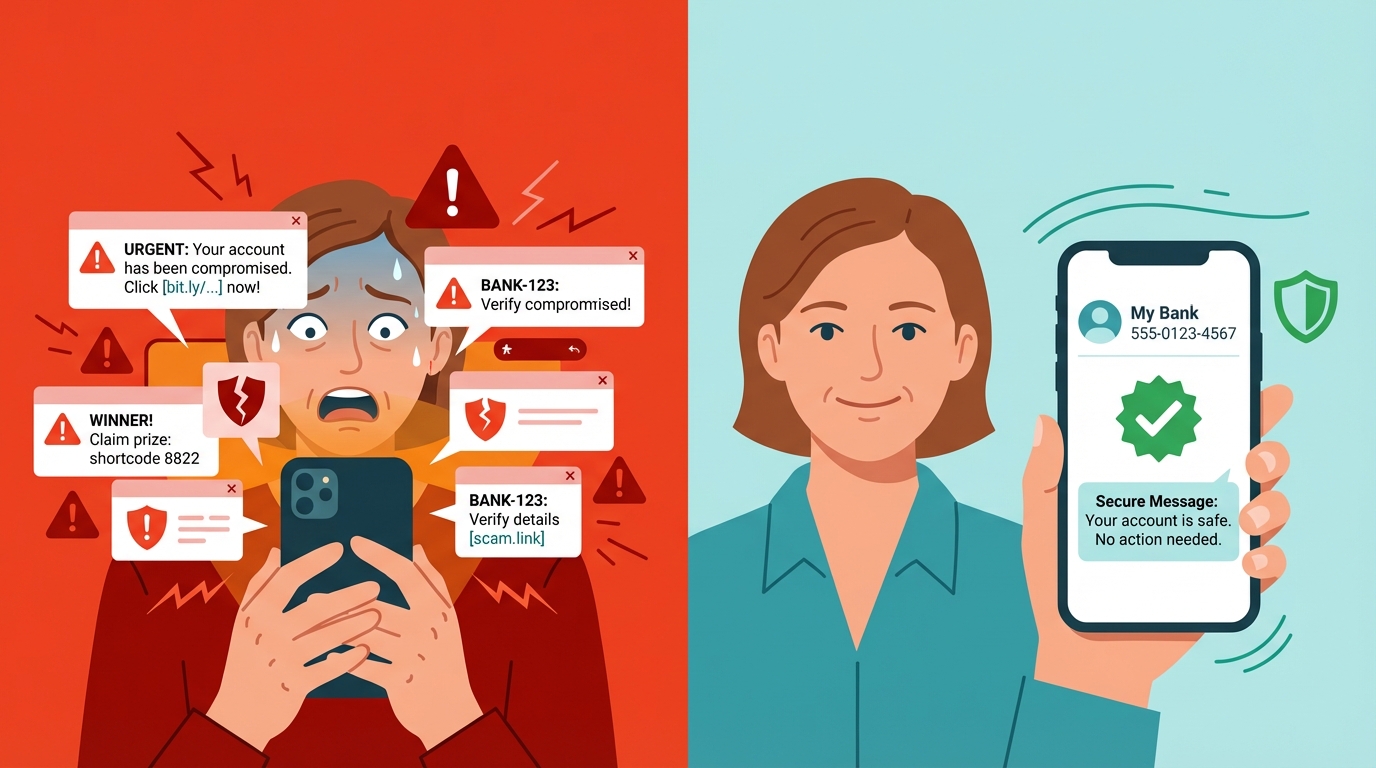
The Problem: Well-meaning admins configure notifications for every assignment group, catalog task, and state change. The result? Your #incidents channel sees 200+ messages daily. Humans are excellent at pattern recognition—and after three days of noise, brains automatically filter out “just another alert.” This is why teams miss the one golden signal in a sea of noise.
The SLA Impact: When a real severity-1 ticket arrives, it looks identical to the 47 minor requests that preceded it. The human brain has already decided “these alerts aren’t important,” and your MTTR (Mean Time To Resolution) doubles.
The Fix: Apply smart routing and throttling:
-
Only notify direct assignees for P3/P4 incidents
-
Use escalation chains instead of blasting the entire team
-
Configure ServiceNow Messenger with dynamic rules: “If unacknowledged for 5 minutes, escalate to manager + create SMS alert”
-
Include contextual details (CI impact, business service) in the notification so recipients can triage without opening ServiceNow
Mistake #3: One-Way Notifications Without Action Context
The Problem: Your notification says “P3 incident INC0012345 assigned to you.” Great. Now the engineer must context-switch to ServiceNow, log in, search for the ticket, review details, then decide on action. This friction adds 3-5 minutes per alert. Multiply by 20 incidents per day per engineer—your team loses hours to pure overhead.
The SLA Impact: Those 3-5 minutes are the difference between meeting and breaching a 30-minute SLA. Worse, constant context-switching increases error rates and agent burnout, creating a vicious cycle of slower responses.
The Fix: Enable in-chat actionability:
-
Send notifications to Slack/Teams with interactive buttons: “Acknowledge,” “Reassign,” “Escalate,” “Add Note”
-
Let engineers update tickets, request approvals, and post work notes directly from chat
-
Use ServiceNow Messenger’s two-way sync to maintain audit trails and state consistency automatically
The Bottom Line: Notifications Are Part of Your SLA Strategy
SLA breaches aren’t just about technology failure—they’re about communication failure. Most ServiceNow instances we audit have at least two of these three mistakes, costing organizations thousands in penalty clauses and lost productivity.
ServiceNow Messenger directly addresses all three pitfalls by bringing intelligent, actionable notifications into the collaboration tools your team already uses. Instead of forcing engineers to hunt for information, it delivers the right alert to the right person at the right time—with the context to act immediately.
Ready to stop the breach cycle? Start with a 30-day notification audit: track average response times, unacknowledged alert rates, and SLA breach correlation. Then implement one fix per week. Your—and your engineers’—sanity will thank you.